Introduction to UI/UX Design: The Art of Crafting User-Centered Interfaces
In the digital world, we interact with websites, apps, and software every day. Some feel easy and enjoyable to use, while others leave us confused and frustrated. The secret behind a great digital experience lies in UI/UX design.
What is UI/UX Design?
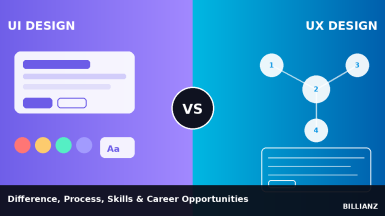
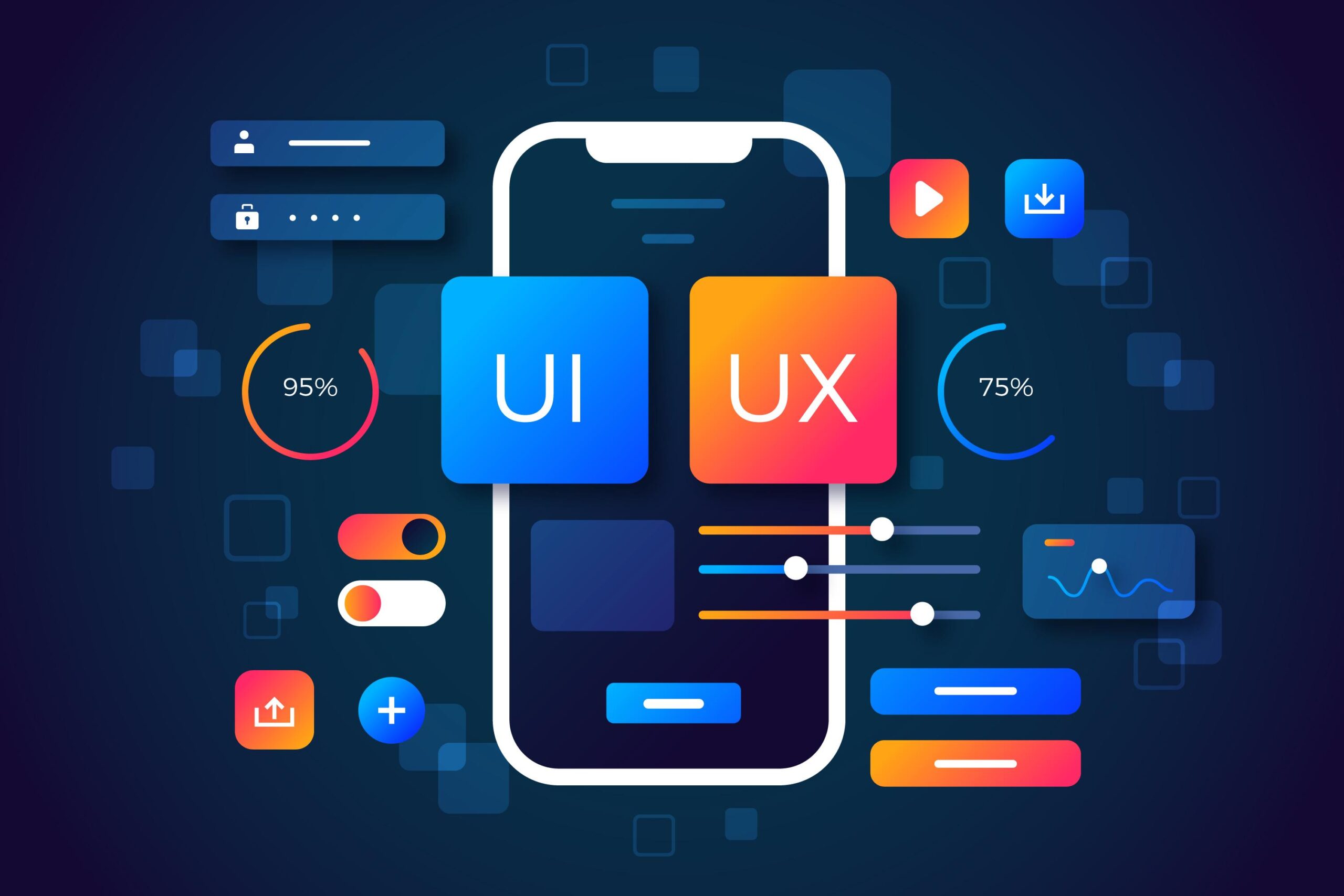
UI (User Interface) design focuses on the visual aspects of a product — the layout, colors, fonts, buttons, icons, and animations. It’s what you see on the screen.
UX (User Experience) design is all about the user's journey — how smooth, simple, and enjoyable it is to use a product. It involves research, structure, usability, and problem-solving.
Why is UI/UX Design Important?
- Creates First Impressions
- Good design builds trust and keeps users interested. Bad design turns them away.
- Improves Usability
- When apps are easy to use, users are more likely to stay longer and come back.
- Boosts Conversion Rates
- A well-designed user journey guides people to take action — like signing up or making a purchase.
- Saves Time and Cost
- Early design testing and prototyping reduce development errors and improve customer satisfaction.
What Makes a Good UI/UX Design?
- Clarity: Clear labels, instructions, and structure.
- Consistency: Same style, colors, and elements throughout the app or site.
- Feedback: Buttons change color, loaders spin — giving users response to actions.
- Accessibility: Designs that work for all users, including those with disabilities.
- Responsiveness: Looks and works well on all screen sizes — mobile, tablet, desktop.
UI/UX Design Process
- Research
- Understand the users and their problems.
- Wireframing
- Sketch or create the layout of each screen/page.
- Prototyping
- Build an interactive version of the product to test ideas.
- User Testing
- Collect feedback to improve the design.
- Final Design & Handoff
- Polish visuals and hand over to developers.
Tools Used in UI/UX Design
- Figma
- Adobe XD
- Sketch
- InVision
- Balsamiq
- Zeplin
These tools help designers create mockups, collaborate with teams, and turn ideas into reality.